Building complex UI queries in plain English with AI
Just ask 'Show me logs from yesterday' and AI finds them. No more clicking filters - type what you want, like you're texting a friend. Simple log search that just works.
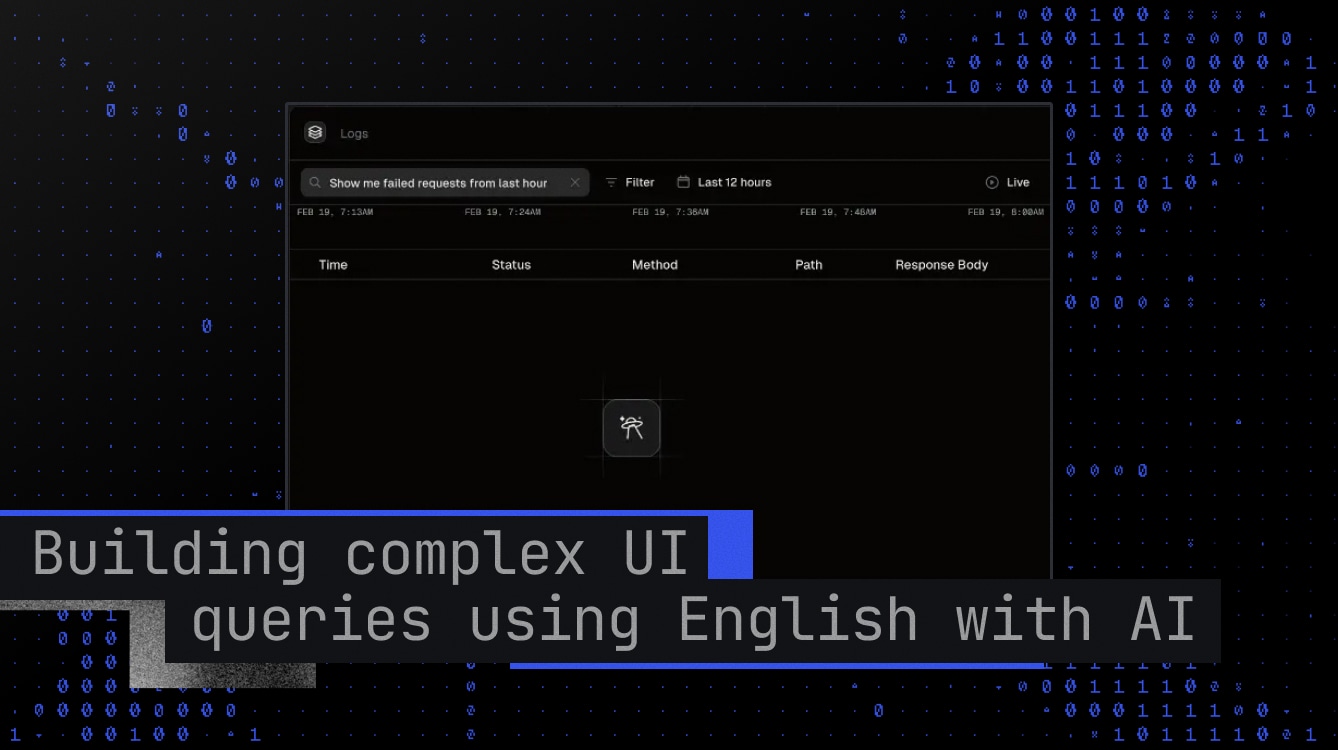

Imagine this: You're tracking down an issue in your logs. The traditional approach feels like following a recipe - select the request status, choose the method, navigate to the date-time picker, set it to two hours ago, and keep adding more criteria. Click after click, filter after filter.
Now imagine simply typing: "I need requests with GET methods, success status that happened 2 hours ago." That's it. No more menu diving, no more juggling multiple filters - just tell the system what you want, like you're asking a colleague.
Implementation Journey
When this feature was first discussed, we thought implementation would be challenging. However, if you're already using zod, it's surprisingly straightforward. OpenAI provides a zodResponseFormat helper to generate structured outputs, making the integration super easy.
Query Parameter Structure
At the heart of our implementation is a query parameter design that bridges natural language and code. We used a syntax that's both powerful and intuitive:
This pattern allows for incredible flexibility - you can chain multiple conditions while maintaining readability. To handle these parameters in our Unkey dashboard, we implemented a custom parser for nuqs:
Our parser handles edge cases gracefully - from null inputs to invalid operators - while maintaining a clean, predictable output format. The type-safe payload configuration ensures consistency across different parameter types.
Defining the Schema
With our parameter structure in place, we needed a way to ensure the AI's responses would map perfectly to our system. Enter Zod - our schema validation powerhouse:
This schema acts as a contract between natural language and our application's expectations. It ensures that every AI response will be structured in a way our system can understand and process. The nested array structure allows for complex queries while maintaining strict type safety.
System Prompt and OpenAI Integration
The magic happens in how we instruct the AI. Our system prompt is carefully crafted to ensure consistent, reliable outputs:
In our prompt there are lots of examples for each search variation, but in here it's omitted for brevity. For the best result make sure your prompt is as detailed as possible.
OpenAI Configuration
Tuning the AI's behavior is crucial for reliable results. Here's our optimized configuration:
The low temperature and top_p values ensure predictable outputs, while the penalty parameters help maintain natural-sounding responses.
Process Flow
Here's how the entire process works:
Important Considerations
Before implementing this feature in your own application, here are some crucial factors to consider:
- Integrating LLMs into your application requires robust error handling. The OpenAI API might experience downtime or rate limiting, so implement fallback mechanisms or meaningful error message to show to user.
- Each query consumes OpenAI API tokens - More AI search burns more money
- Implement rate limiting - Without ratelimit users can abuse your AI-powered search
Conclusion
While traditional filter-based UIs work well, the ability to express search criteria in plain English makes log exploration more intuitive and efficient.
The integration with OpenAI's structured output feature and zod makes the implementation surprisingly straightforward. The key to success lies in:
- Crafting a clear system prompt
- Defining a robust schema for your use case
- Implementing proper error handling and fallbacks
Remember that while AI-powered features can enhance your application, they should complement rather than completely replace traditional interfaces. This hybrid approach ensures the best experience for all users while maintaining reliability and accessibility.